
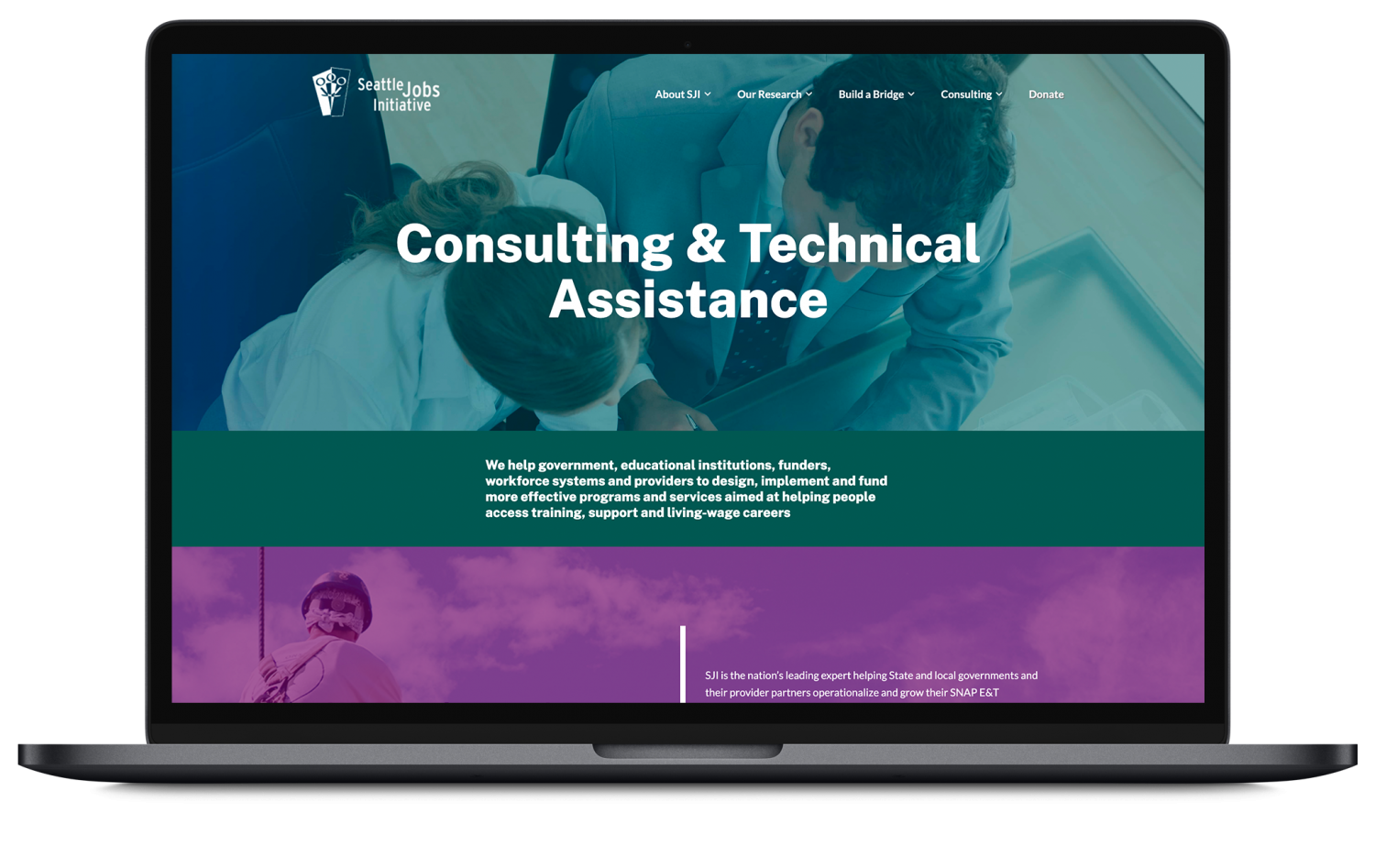
Case Notes
- Website redesign
- Client | Seattle Jobs Initiative
- Role: UX, Web, Frontend Development
- Duration | 5 weeks
Tools Used and Project Goals
- Sketch
- Figma
- Miro
- WordPress theming and light coding
Create and build a redesign for the Consulting and Technical Assistance team of SJI.
Challenges and Constraints
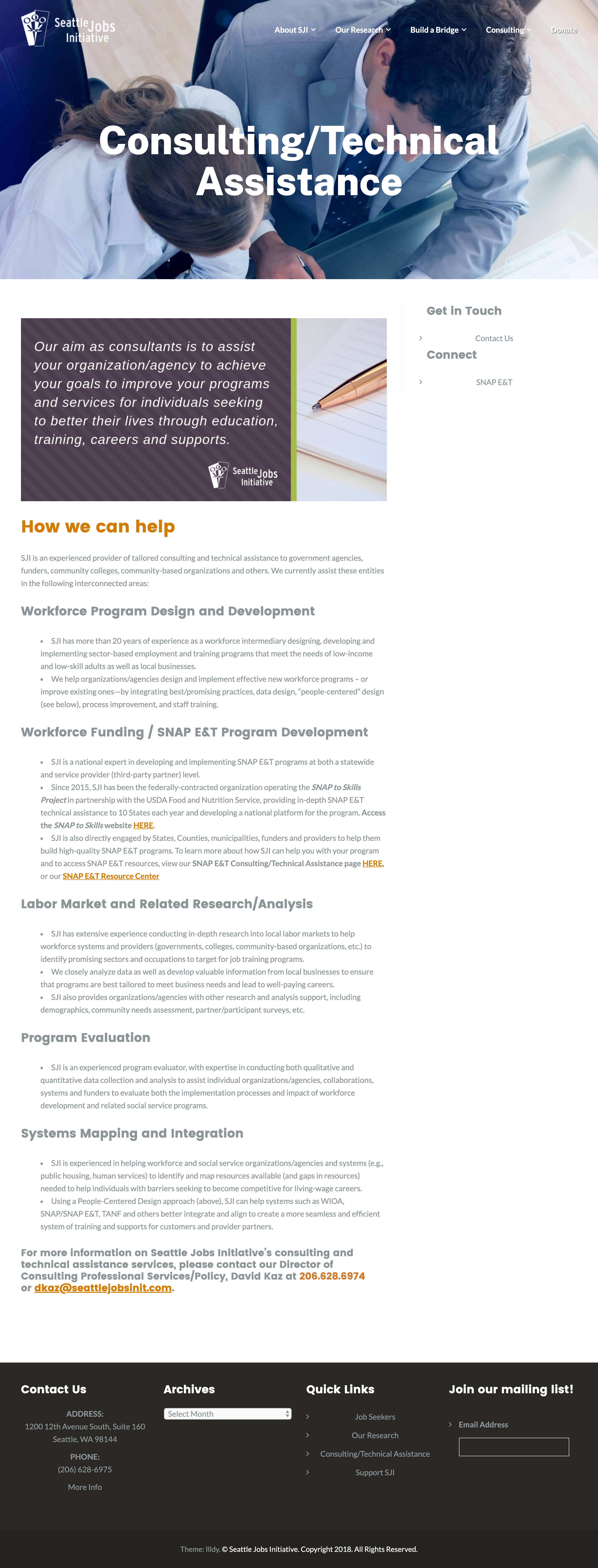
No access to the web server; only have access to the WordPress dashboard. Must use the existing theme and cannot alter the rest of the website. The solution could not be static pages; they would need to be freely and easily editable without requiring any knowledge of code. The design must also be flexible to allow for unknown content lengths and as considerate as possible for utility and use.
Working surgically with minimal changes to the rest of the site.
I would be working only on one section within the overall org. Though it’s less pages to make, it added complexity as my approach could not affect other parts of the site that had not been approved for change.

Discovery
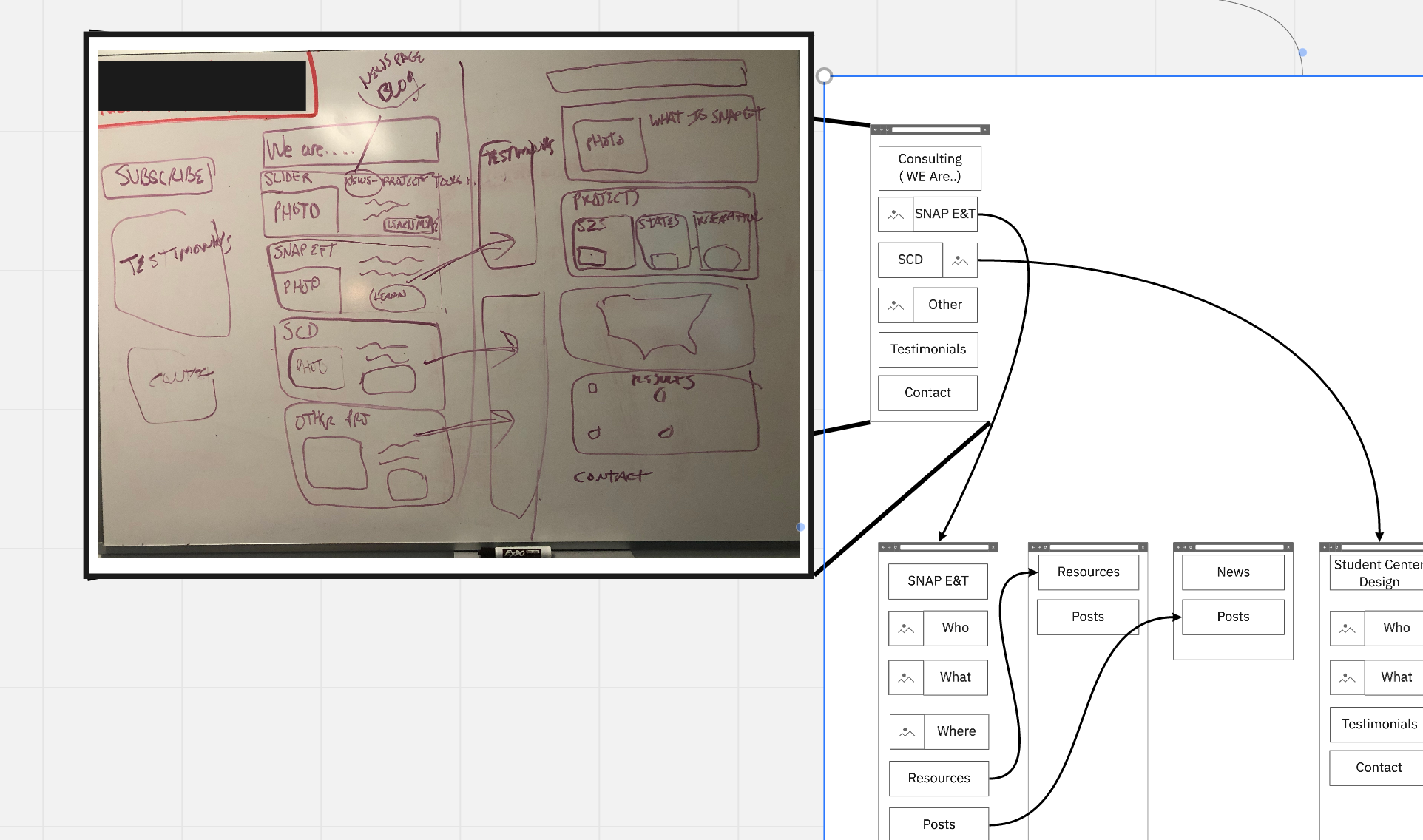
After the initial meeting, I spent a few days gathering all the necessary information on the project. Firstly just familiarizing with the site and taking inventory notes on everything I could including site architecture, how the site is built, access privileges to any analytics, and road blocks. I also put together image and reference boards and documented everything I found. This stage is crucial as it's important to have a good foundational understanding as well as documenting while working rather than forming a report after. I think it is also imperative to have a solid collection of information and data to give accurate timeline at the start.
Choosing the right tools
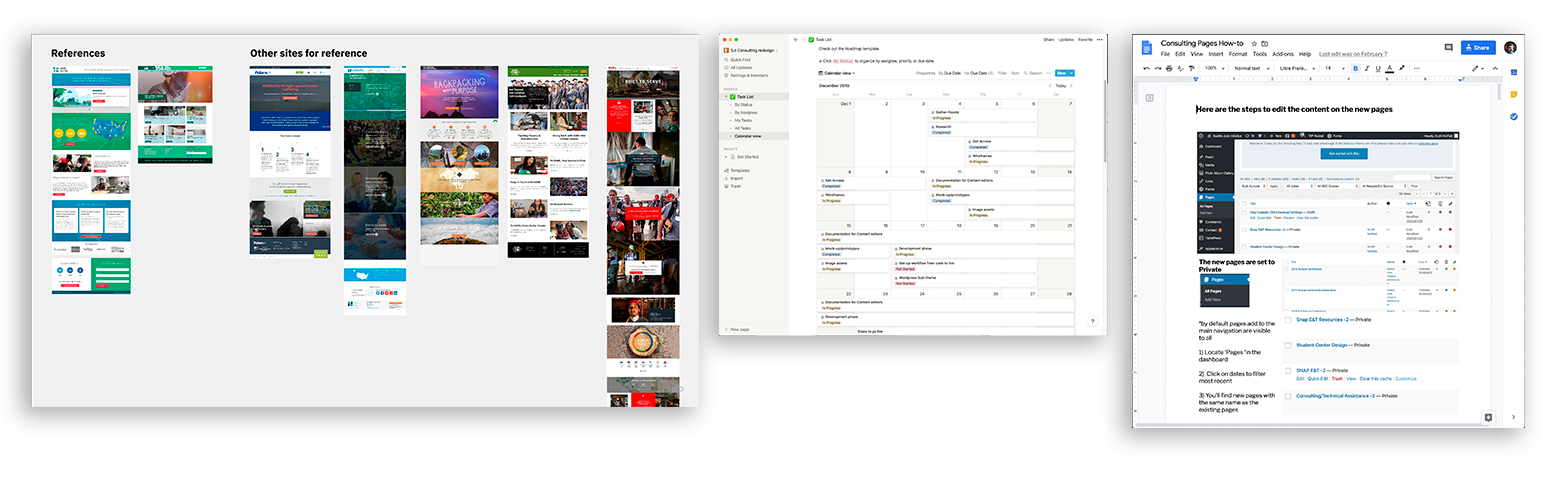
The majority of the project would be remote. It seemed important to be flexible in sharing out progress with stakeholders by providing formats that were not dependent on installed apps or operating systems. To that end I converted working sketch files to Figma and opted for open web apps like Notion for project management, Miro for IA flows and research boards. This way I could clearly show the progress and milestones clearly without requiring as much heavy lifting on the clients end.

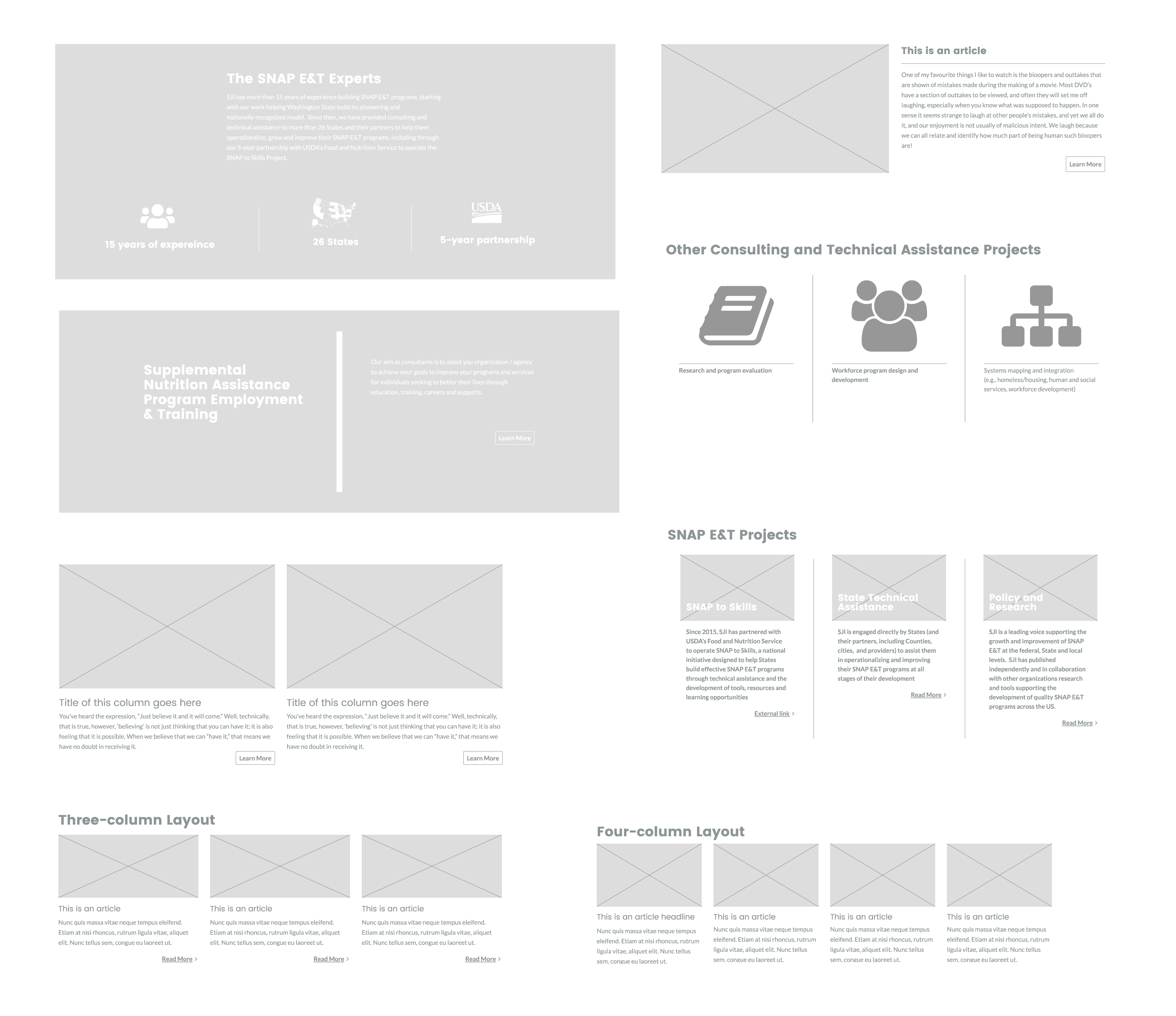
Component Systematic Approach
After putting together the wireframes and going through the approval process. It became clear that I would need to come up with a structured plan of how I would build everything. Much of the content needed to go through more editing and some had not been completed. I would need flexibility in how SJI would add and edit their content without me. It became evident that thinking more in terms of creating the 'building blocks' that could be re-used in multiple pages rather than build one page at a time.
Wordpress customizer and User Experience
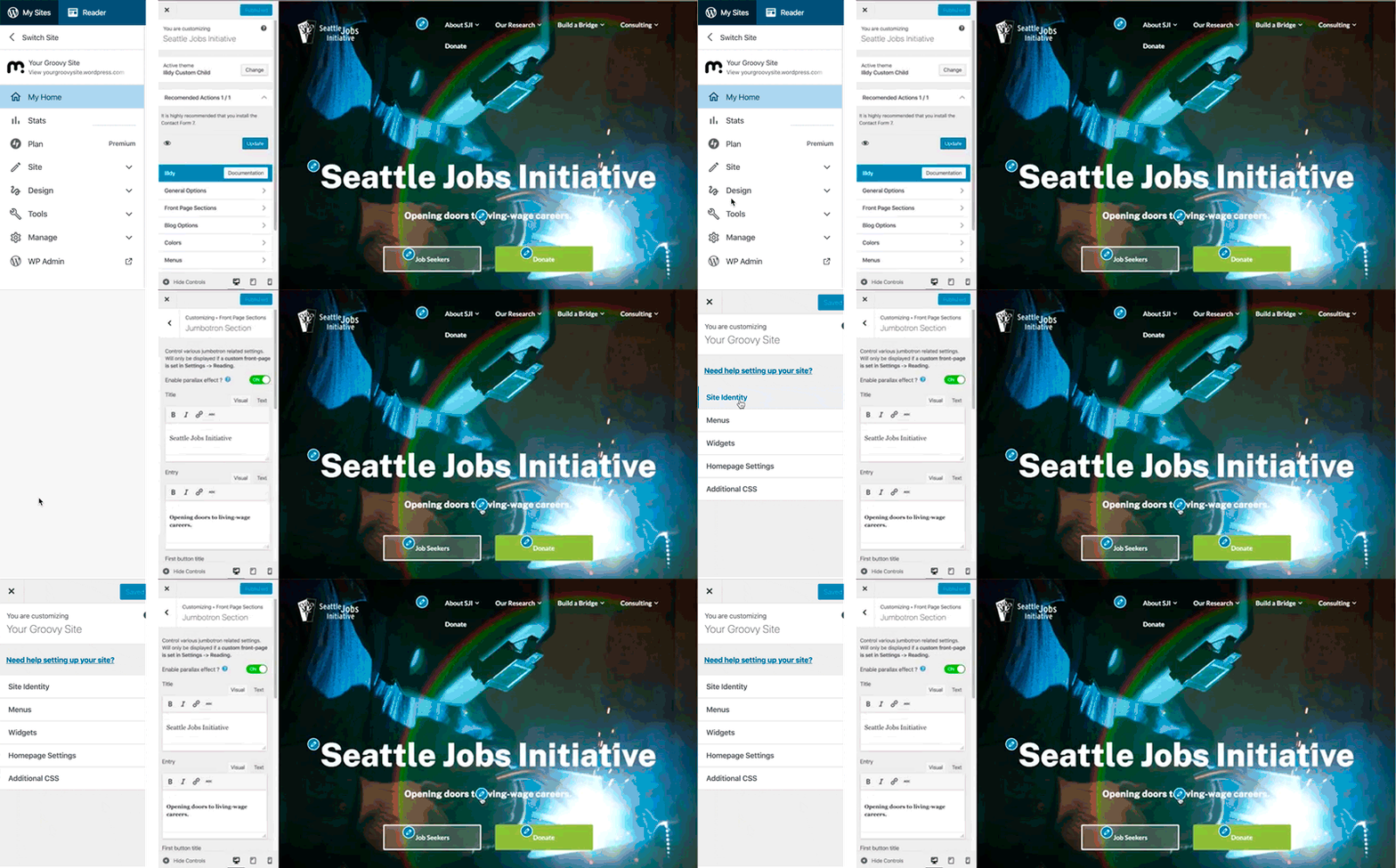
I wanted to work with what would take the least amount of learning for content editors. The SJI site used a theme with preconfigured customizer that would only work with the front page. Using the same pattern for adding and editing content would reduce a lot of training and documentation.
Solution and Mockup
Recap:
- There would not be any access the server to alter the site.
- The customizer tools were the most favorable option for ease of use.
- We agreed that the component based approach of using reusable blocks would be most effective.
Building
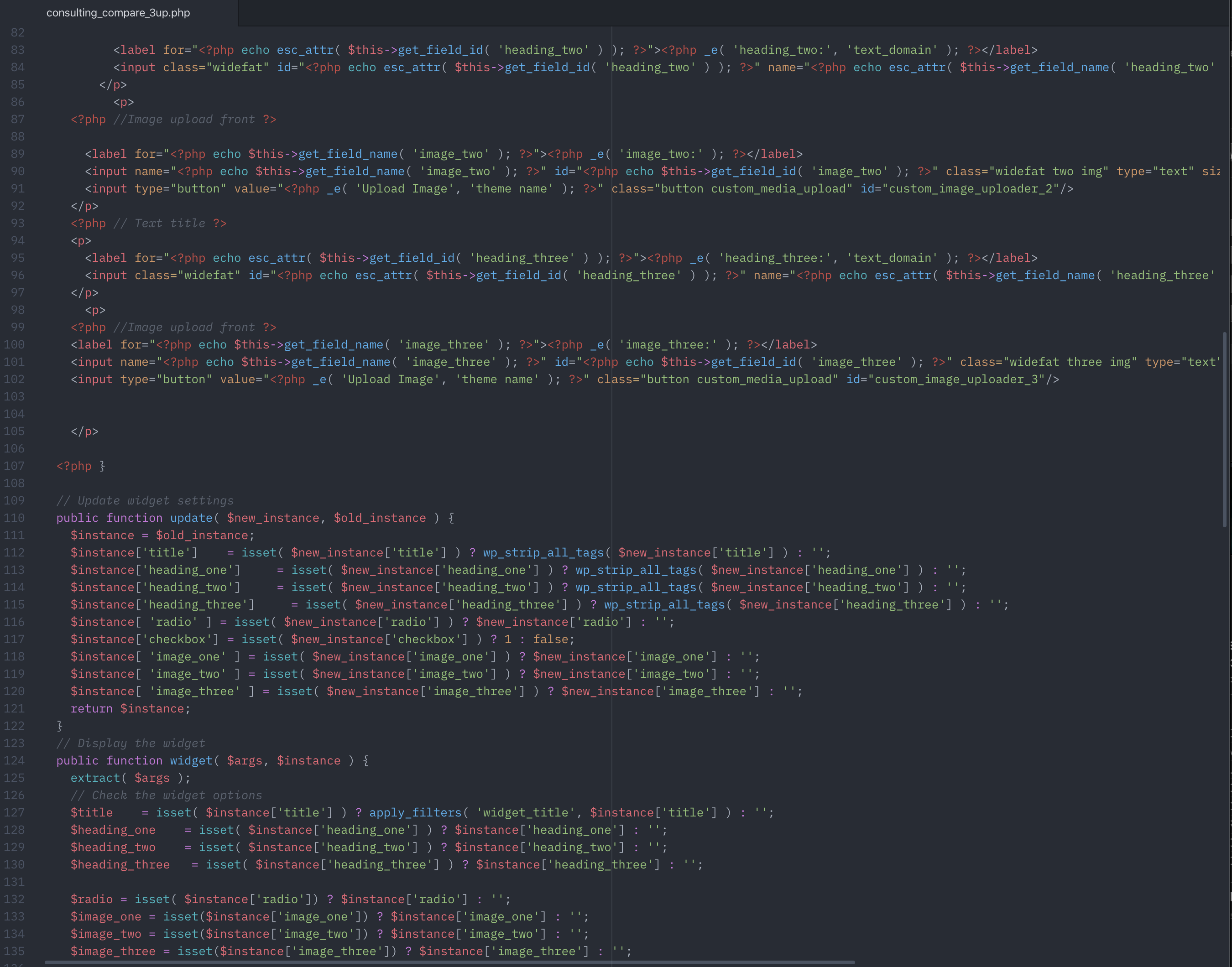
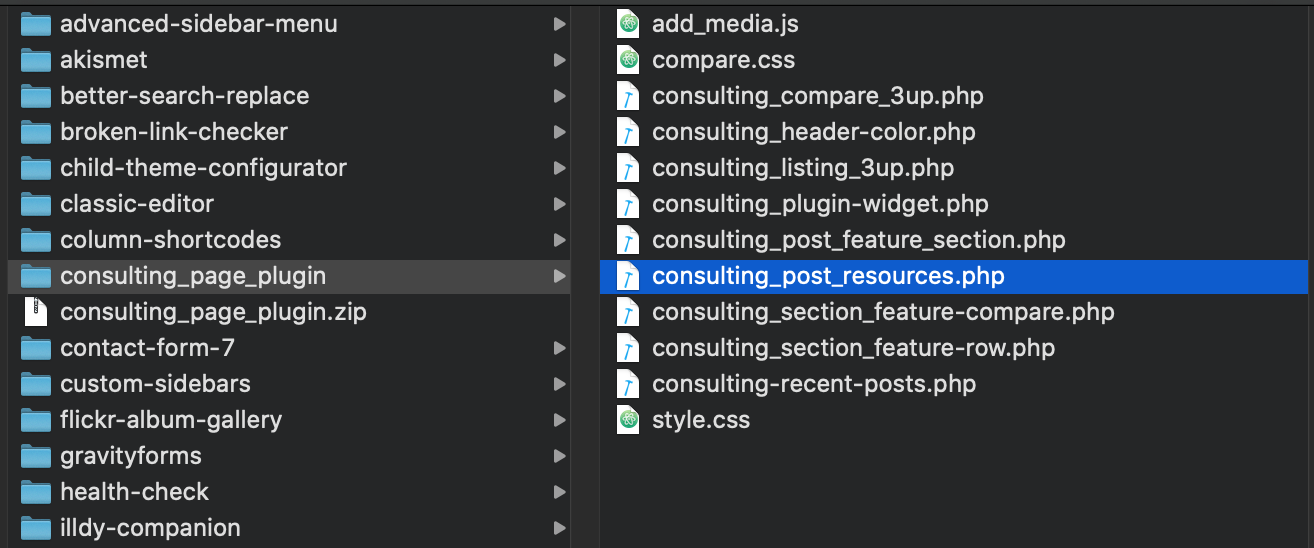
With a local server running a WordPress instance I wrote a custom PHP widget with the form elements to include in the plugin. This took a lot of trial and error to correctly combine the forms, registering of the widgets properly and adding the image uploader widgets in Javascript.
Building Continued
Once the plugin was working on a local environment, the next steps would be to simply upload the plugin and attach them to the new pages. The way WordPress stores data in this manner means each widget could be reused per page stored.
Finishing up
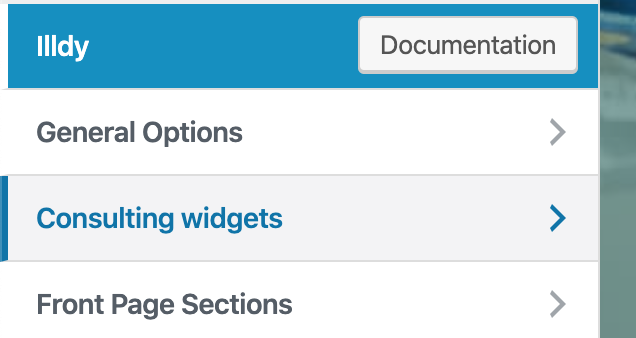
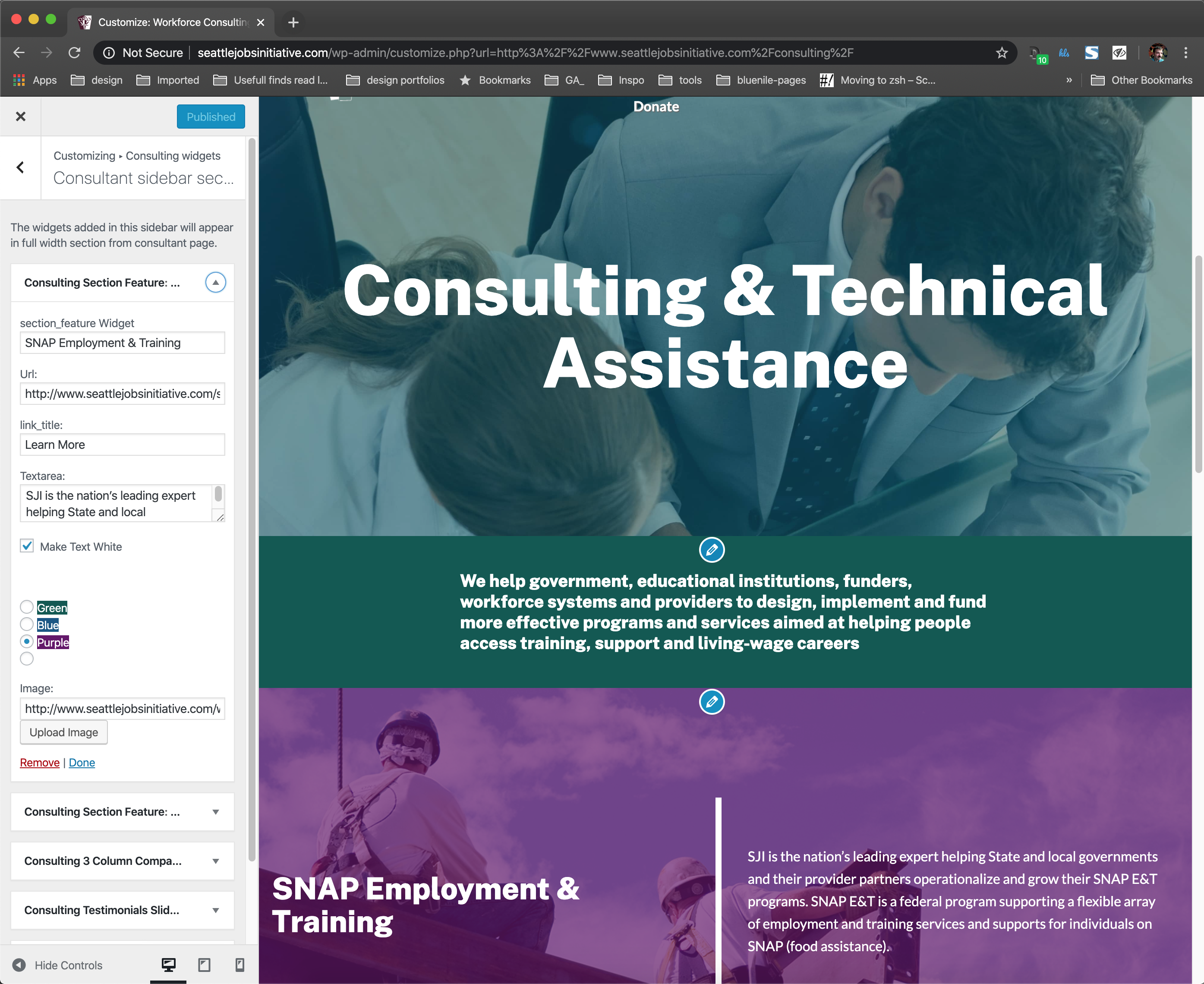
With the widgets in place, I ran through each page redesign and put together each block adding the content that was already written and providing placeholder text in sections that would serve the new content as it arrived.
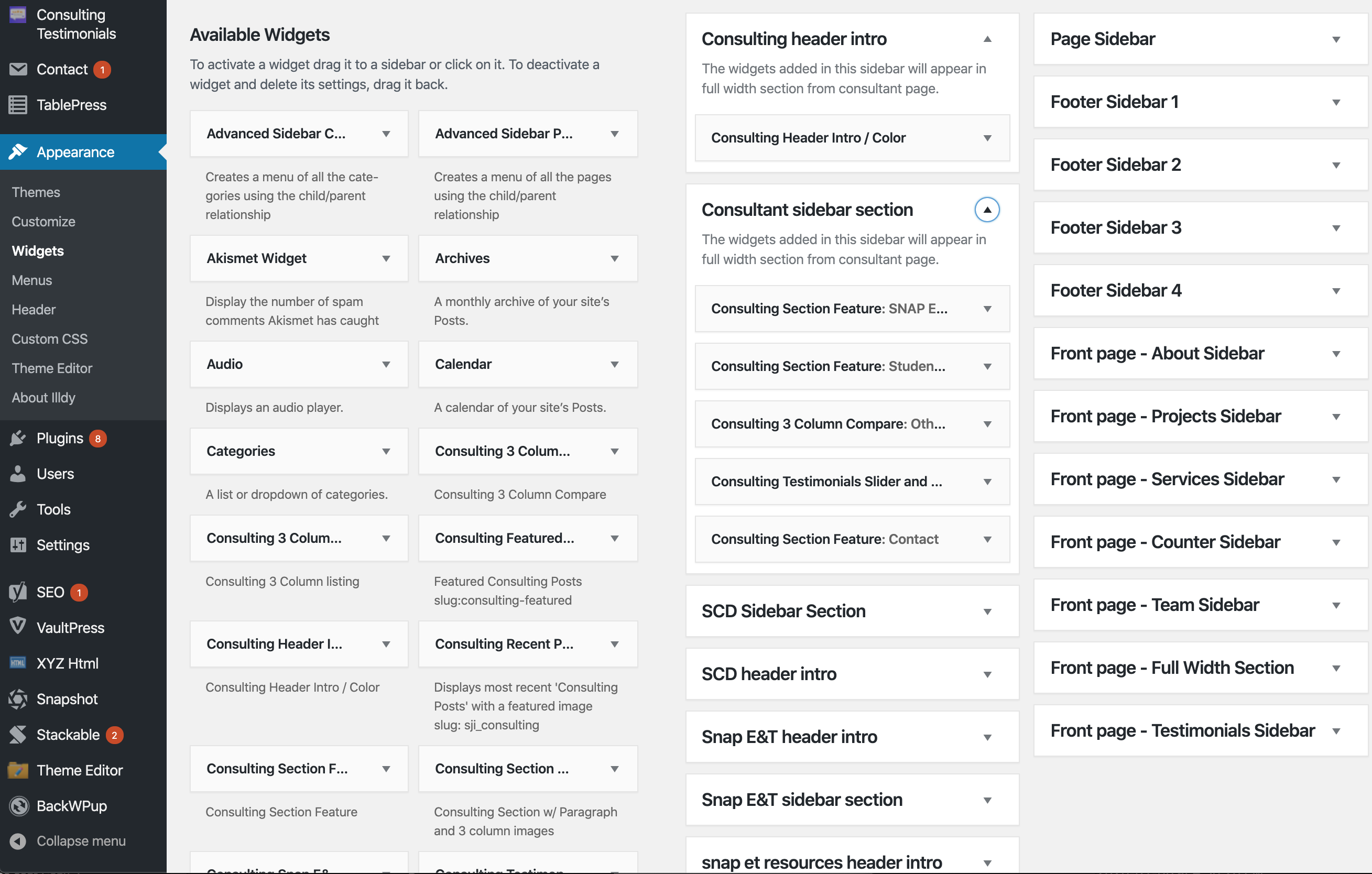
Customizer example
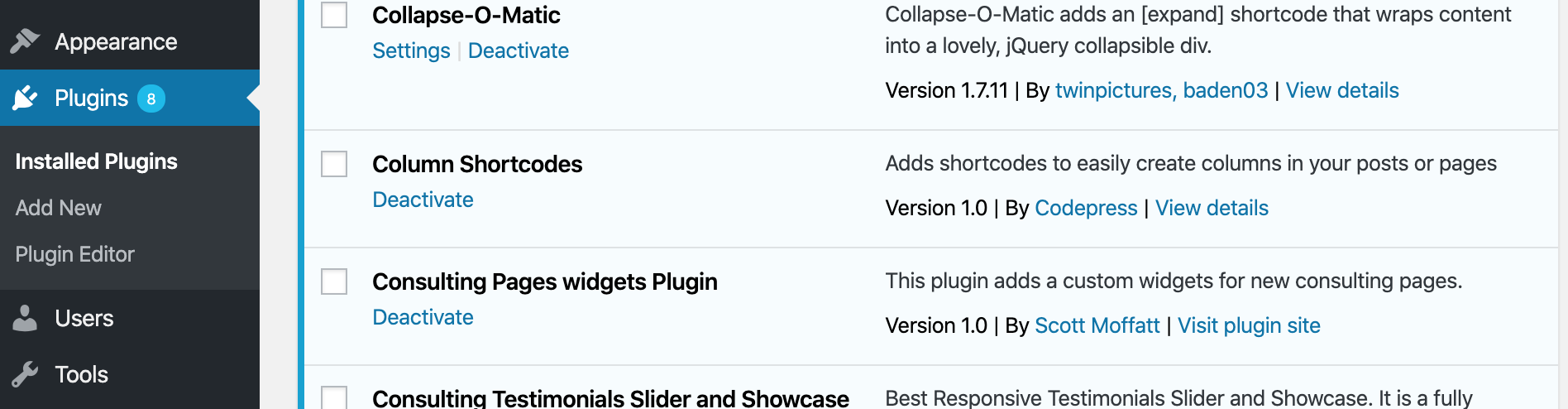
This is an example of the customizer of the current theme engine Customizer on the SJI homepage.
Widget customizer working examples
This example demonstrates how the plugin will functions just like the current theme customizer as seen on the homepage.
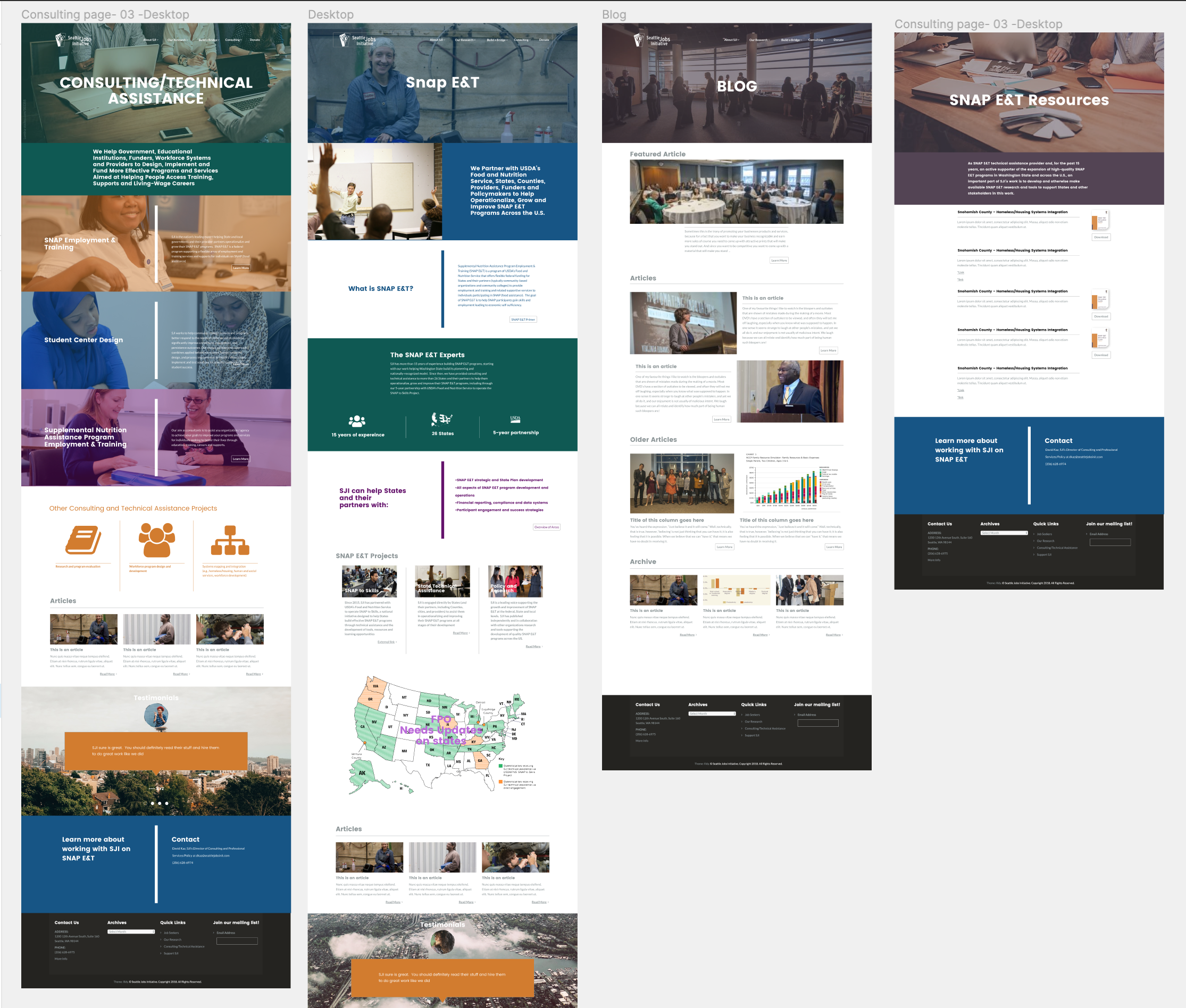
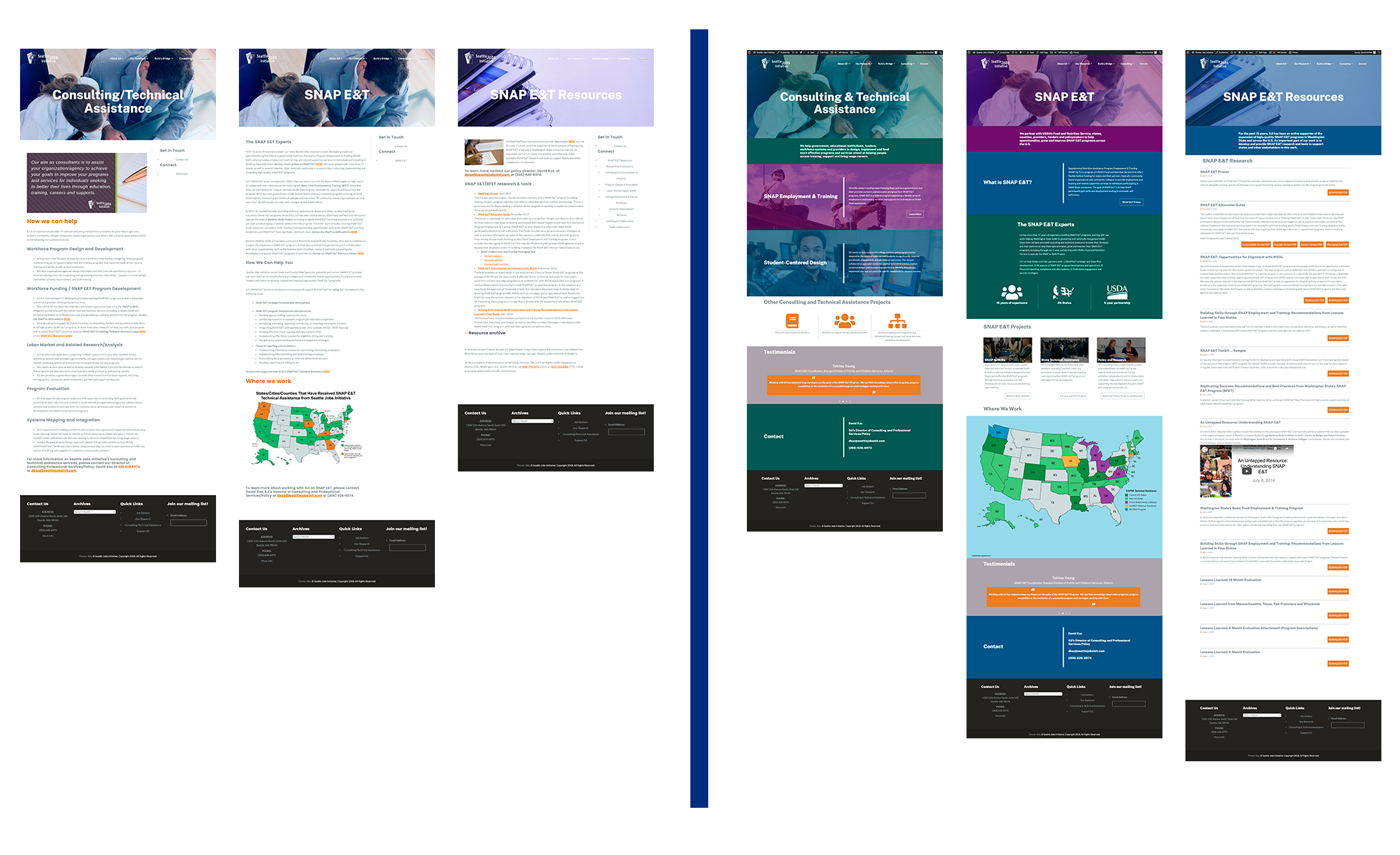
Before and After
Final results can be found here:
Workforce Consulting & Technical Assistance - Seattle Jobs Initiative

Visual Design choices
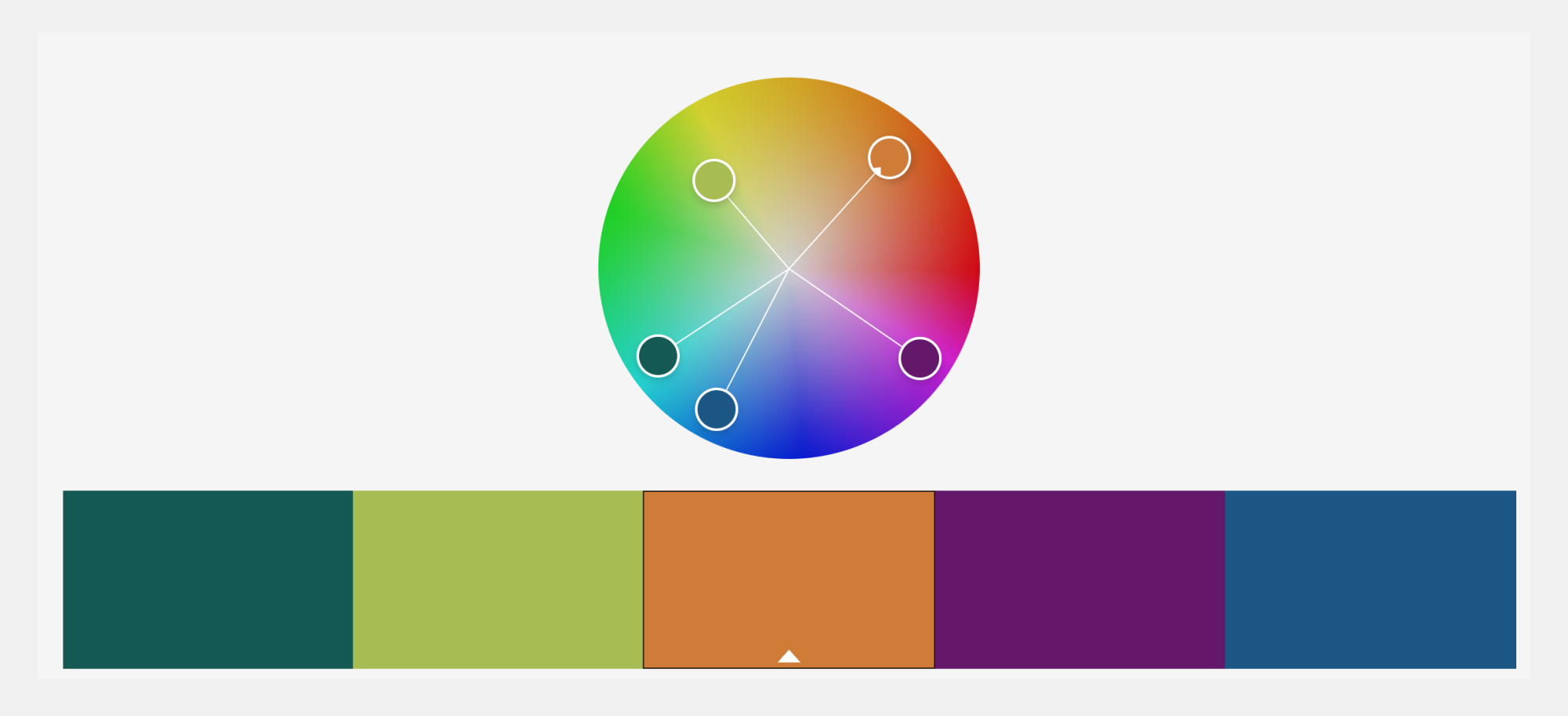
Working within branding guidelines, I wanted to propose an extended color system. Using a cooler and darker color palette would add some sophistication and a more "business" feel. This would also help to slightly differentiate the consulting team.

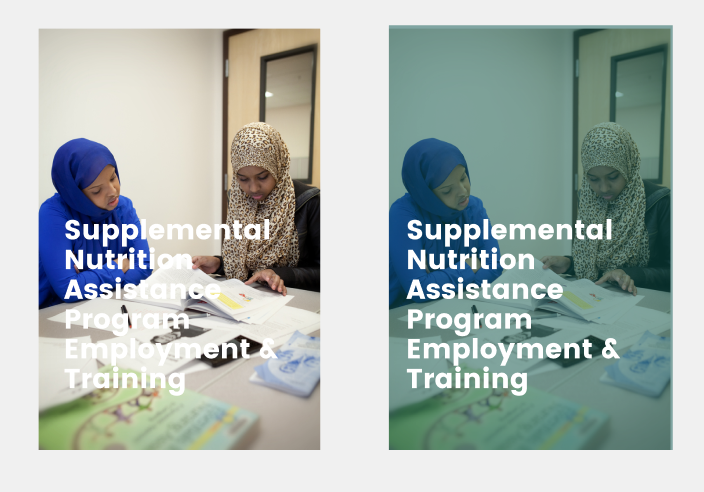
Look and feel
To maximize the available image content for the site I recommended the use of internal imagery. My thinking was to give a more relatable, genuine tone. By using a color overlay it would help to average out the difference in photography and allow for more leeway in the choices of photographic content.